Cloud App Development: From Planning to Deployment
Have you ever noticed how some cloud applications keep running smoothly for years, while others start breaking the moment real traffic hits them? The difference almost always comes down to how the cloud app development process was handled from the very beginning.
Well, it usually comes down to a few decisions that have been made early on, long before anyone notices a problem. How the app was built. Whether security was planned from the start or added later. Whether the team behind it actually understood the business, not just the code.
Cloud app development is often misunderstood as a simple shift to the cloud. In reality, it’s a continuous process that includes planning, architecture, development, testing, security, and long-term optimization.
Whether you’re building a new cloud application or trying to better understand how modern cloud systems work, browsing through this guide will break down everything that actually matters, clearly and practically.
What is Cloud App Development?
Cloud app development is the process of designing, building, and running applications on cloud infrastructure like AWS, Azure, or Google Cloud, instead of a single physical server sitting in an office somewhere. The app pulls its computing power, storage, and other resources straight from the cloud, so it can grow or shrink automatically based on how many people are using it at that moment.
Let’s understand it with an example:
Think about Netflix. During a regular Tuesday afternoon, it handles a certain amount of traffic. But the same moment a hit show drops on a Friday night, millions of people log in within minutes. At this point, a traditional server would crash under that kind of load, but Netflix’s cloud-based architecture simply scales up to meet the demand, then scales back down once things settle.
That’s the real value of cloud application development. It builds software that adjusts according to the real-world demand, instead of breaking under it.
Types of Cloud Applications You Can Build
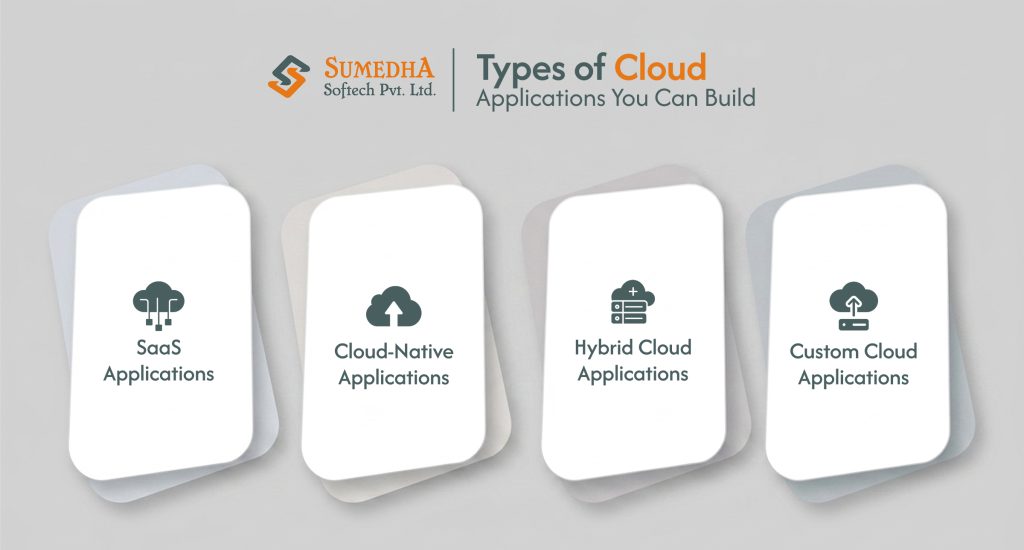
Not every cloud app is built the same way, and picking the right type early on shapes everything that follows, from cost to timeline to how the app scales down the road. Here are the main types of cloud applications businesses build today.
SaaS Applications
SaaS applications are built to serve many customers from one shared codebase, with subscription billing and role-based access baked in. Slack is a good example. One version of the product runs in the cloud, and every company using it logs into its own workspace within that same system.
Cloud-Native Applications
Cloud-native applications are built using microservices and containers, so each part of the app runs and scales on its own. This is the approach behind most cloud-native application development projects used today. Spotify is the well-known example, with separate services handling search, playback, and recommendation independently, so a slowdown in one doesn’t affect the rest.
Hybrid Cloud Applications
Hybrid cloud applications blend cloud infrastructure with on-premises systems, often because certain data needs to stay local. A hospital system might keep patient records on-site for compliance while running its scheduling and billing tools in the cloud.
Custom Cloud Applications
Custom cloud applications are built around one specific business workflow rather than a general audience, which is the core idea behind custom software development services. A logistics company building its own delivery-tracking system, shaped entirely around its fleet and routes, is a common example of this approach.
Benefits of Cloud App Development
Before we move forward to how a cloud application actually gets built, it’s worth understanding why businesses are moving in this direction first. Here are the top benefits that go beyond just it being in the cloud.
Scalability on Demand
A cloud app can handle ten users or ten thousand without a manual overhaul, because resources scale automatically based on real traffic.
Lower Infrastructure Costs
Businesses pay for what they actually use instead of investing in physical servers that sit idle most of the time.
Faster Time to Market
Cloud platforms come with ready-made services for authentication, storage, and messaging, so teams spend less time on infrastructure and more on building the actual product.
Accessibility from Anywhere
Since the app runs in the cloud, teams and customers are able to access it from any device, which has become a basic expectation rather than a bonus feature.
Stronger Reliability
Cloud providers offer built-in redundancy, so if one server or region has an issue, the app keeps running without any restrictions.
Continuous Improvement
New features and fixes can roll out through automated pipelines, often multiple times a week, without disrupting the people using the app.
Ready to Build a Scalable Cloud Application?
We develop secure, high-performance cloud applications that scale with your business from strategy to deployment.
The Cloud App Development Process, Step by Step
Building a cloud app is not a sprint. It moves through a step-by-step process, where each step shapes how the final product actually performs once real users start using it.
Assess and Strategize
Every project starts with a clear understanding of the business behind it, guided by cloud app developers who help in figuring out what actually matters, grounded in real business goals rather than assumptions.
Architecture and Design
With the clear goals, the next step is mapping out the cloud-native architecture, planning for security from the very beginning, and working out a realistic cost picture. Getting this stage right means development can move forward without surprises showing up later.
Build or Migrate
Next, this is the stage where the real application takes shape, either building cloud-native from the ground up or moving over from the existing system. The work happens in small, reviewable stages, keeping progress visible and each piece checked before the next one begins.
Automate
CI/CD pipelines and infrastructure as code get set up here, turning deployment into something quick and repeatable, so teams aren’t manually repeating the same steps every time an update ships.
Optimize
Once the application is live, attention shifts to performance, resilience, and cost. A cloud setup only earns its value when it’s genuinely tuned around how it’s actually being used every day.
Operate and Support
Launch is the starting point. Ongoing management, active monitoring, and steady improvements are what keep an application performing long after the initial build wraps up.
Choosing the Right Tech Stack and Cloud Platform
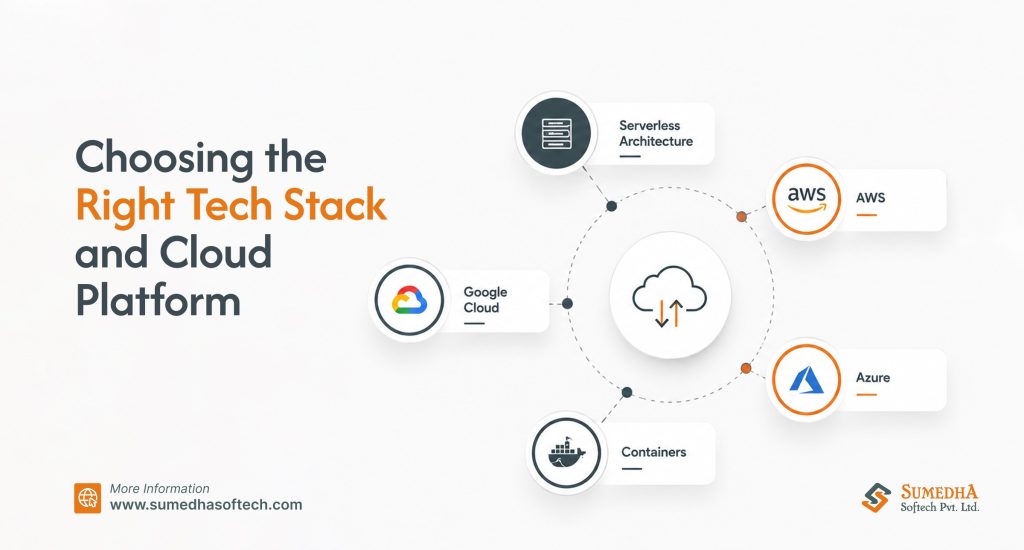
The right tech stack depends on the application’s complexity, the team’s expertise, and any compliance requirements the business needs to meet. Here are a few things worth weighing.
- AWS – It offers the broadest range of services and works well as a default for most enterprise-grade applications.
- Azure – It tends to make sense for businesses already deep in the Microsoft ecosystem.
- Google Cloud – It stands out for data-heavy applications and AI or machine learning workloads.
- Serverless Architecture – Like AWS Lambda or Azure Functions, it suits applications with unpredictable or event-driven traffic, since costs scale directly with actual usage.
- Containers and Kubernetes – They make sense when multiple services each need to scale independently.
Database choice deserves the same level of thought. Relational databases like PostgreSQL handle most transactional workloads well, while NoSQL options like MongoDB or DynamoDB fit better when the data structure changes frequently or the app needs to scale horizontally across regions.
This decision matters early on, since it becomes far harder to revisit once real user data starts flowing through the system. Meanwhile, the strongest platform decisions come from a real conversation about the workload patterns and long-term goals, grounded in what the application actually needs to do.
The Role of AI in Modern Cloud Apps
AI is no longer an add-on in modern cloud applications. It’s become a standard part of what people expect from a cloud application, whether that’s a smarter search bar, a feature that predicts what a customer needs before they ask, or automation quietly handling work that used to take a person hours.
A few places this shows up most often:
- Automating repetitive tasks that used to need manual triggers.
- Natural language search or chat built right into the product.
- Predicting things like customer churn or demand before they happen.
- Recommendations based on a business’s own data, not generic patterns.
Cloud platforms have made all of this far more accessible. AI integration services like AWS Bedrock, Azure OpenAI Service, and Google Vertex AI mean a development team can build real AI features into a product without creating the underlying infrastructure from scratch.
Therefore, the businesses seeing the biggest impact are the ones building AI into how the product actually works, not adding a chatbot just to have one.
Security and Compliance Can’t Be an Afterthought
From the very first decision, security has to be a part of a cloud application, not something added right before launch. Here are a few things that matter the most:
- Controlling exactly who can access what through proper identity and access management.
- Encrypting data both while it moves and while it sits in storage.
- Scanning for vulnerabilities automatically as part of every deployment.
- Running regular penetration tests and reviewing policies as the app grows.
- Staying aligned with the compliance standards relevant to the industry, like HIPAA, GDPR, or SOC 2.
Tools like AWS CloudTrail or Google Cloud Audit Logs give real-time visibility into what’s happening across the application, which helps catch problems early and makes audits far less stressful. Building security from day one costs far less in time and money.
Common Challenges in Cloud App Development
Even with such benefits, some problems still tend to show up again and again, no matter the size of the project.
- Rushing through discovery, which leads to scope changes mid-build.
- Getting too tied to one cloud provider’s specific services makes it expensive to switch later.
- Cloud bills are rising from unused resources or poor planning.
- Weak monitoring leaves teams unaware of issues until users start complaining.
- Treating security as a final checklist item instead of an ongoing practice.
There are also operational and team-related challenges that often get overlooked. Good cloud app development depends on developers, operations, and business stakeholders working closely together. Careful planning upfront, paired with a team that has genuinely built applications, prevents most of these problems from starting.
Real-World Use Cases of Cloud App Development
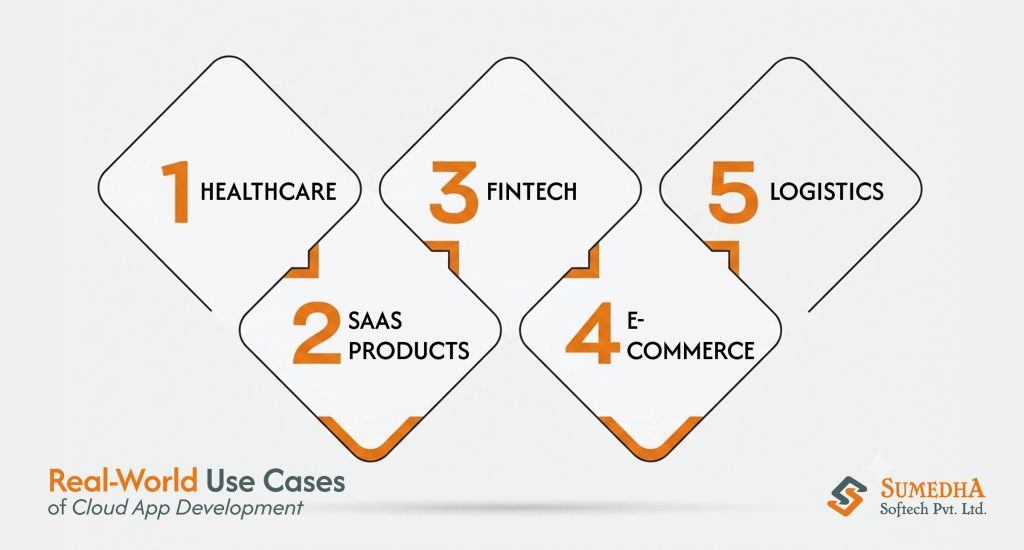
Now, coming onto the real-world use cases, cloud applications look different depending on the industry building them. Here are a few examples showing how this plays out in practice.
Healthcare
Hospitals and clinics use cloud applications for patient scheduling, telehealth, and secure record sharing between providers, all while keeping compliance requirements like HIPAA front and center. A patient portal that lets someone book appointments and view test results from their phone is a common example.
Logistics and Supply Chain
Delivery companies rely on cloud apps to track fleets in real time, predict delays before they happen, and optimize routes based on live traffic and weather data. This kind of visibility is not possible with the older, on-premise systems.
Fintech
Banking and payment platforms use cloud infrastructure to process transactions securely at scale, run fraud detection in real time, and roll out new features without downtime. Speed and security both matter here in equal measure.
E-Commerce
Online stores lean on cloud applications to handle sudden traffic spikes during sales events, personalize product recommendations, and keep checkout running smoothly no matter how many people are shopping at once.
SaaS Products
Companies building software to sell as a subscription rely entirely on SaaS application development to serve thousands of customers from one platform, while keeping each account’s data separate and secure.
Conclusion
Over the years, cloud app development has grown into a complete discipline, covering architecture, security, AI, and everything in between, and getting the fundamentals right from the start makes all the difference down the line.
Whether it’s a first cloud application or a system being modernized for growth, the same principles hold: plan carefully, build for scale, and treat security as part of the foundation rather than an afterthought.
At Sumedha Softech, this is exactly how every cloud application gets built; our cloud app development services are shaped around each business’s actual goals rather than a one-size-fits-all template. For a business ready to take the next step, the right cloud application starts with the right conversation.
Frequently Asked Questions
Q1. What is cloud app development?
Cloud app development is the process of building applications that run on cloud infrastructure like AWS, Azure, or Google Cloud. It allows the app to scale automatically based on real demand instead of being limited by a fixed server.
Q2. What are the main types of cloud applications?
The main types of cloud applications include SaaS applications, cloud-native applications, hybrid cloud applications, and custom cloud applications, each suited to different business needs depending on scale, compliance requirements, and how specific the workflow is.
Q3. How is AI used in cloud app development today?
AI is commonly used for intelligent automation, natural language search, predictive features like churn or demand forecasting, and recommendation engines, often built directly into the application rather than added as a separate feature.
Q4. What security measures matter most in cloud app development?
Identity and access management, data encryption, automated vulnerability scanning, and compliance with standards like HIPAA, GDPR, or SOC 2 are the non-negotiables, and they need to be built in from the start rather than added later.
Q5. Should a business build a custom cloud application or use off-the-shelf software?
It depends on how specific the workflow is. Off-the-shelf software works well for common, generic needs, while custom cloud applications make more sense when the business has unique processes, compliance requirements, or long-term growth plans that generic tools can’t support.
Q6. How long does it take to build a cloud application?
Timelines vary based on complexity, but a straightforward cloud application can take a few months from planning to launch, while larger, more custom systems can take longer depending on integrations and compliance needs.